How is this private?
Most online file tools upload your file to their servers, process it there, and send it back. FileAnvil doesn't. Your file is read, processed, and saved entirely inside your browser tab using WebAssembly. It never travels across the network.
The data flow
No server ever touches your file. The only thing that leaves your device is anonymous, aggregate page analytics — never file contents. Details in the privacy policy.
Prove it yourself
- Airplane-mode test: turn off Wi-Fi, then use any tool. It still works.
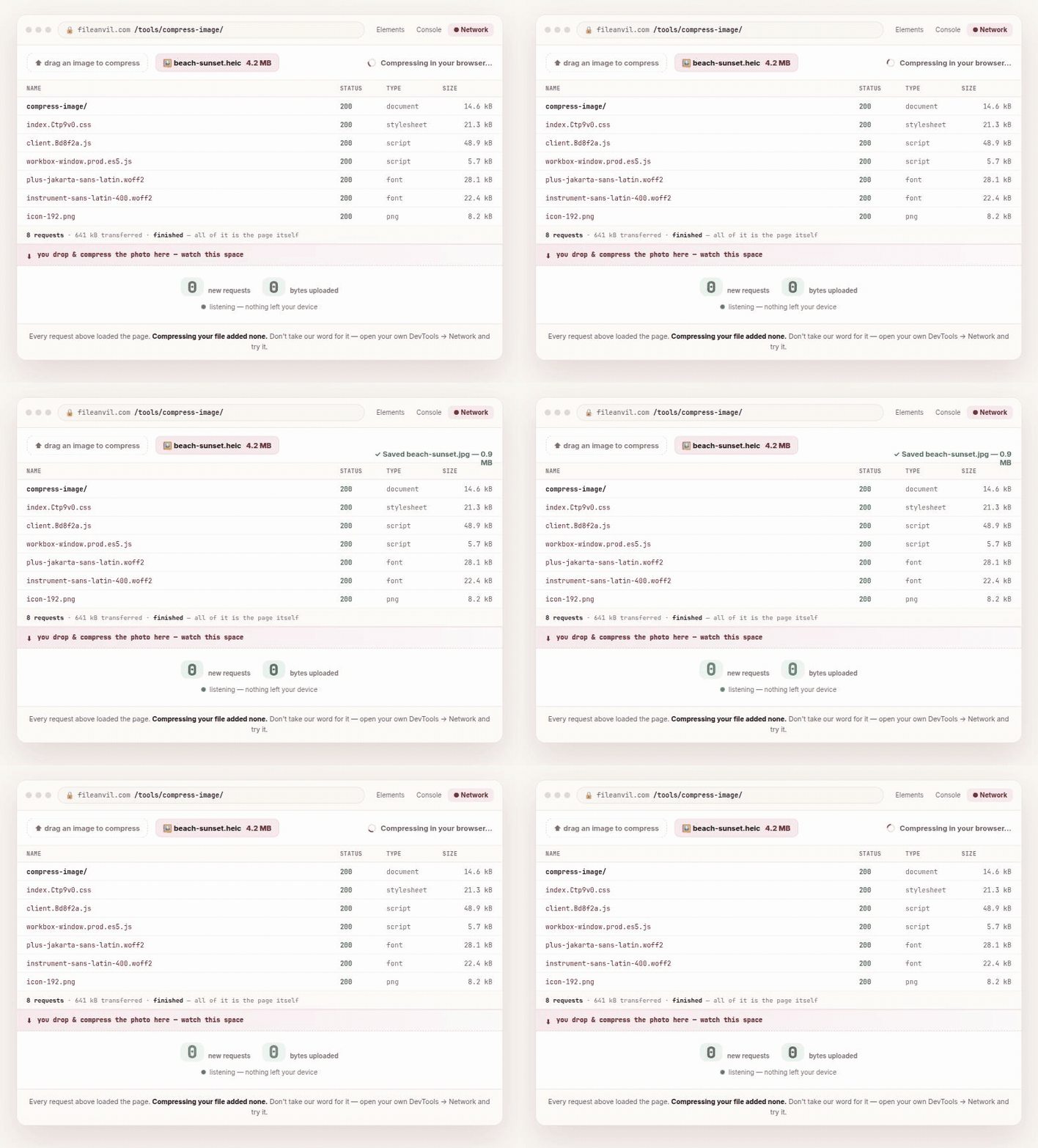
- Network-tab test: open your browser's developer tools → Network tab, process a file, and watch: there is no upload request carrying your file.
Why this matters
If you handle client documents, medical records, financial statements, or anything confidential, uploading them to a third-party server can itself be a compliance problem. Because FileAnvil never uploads your files, that risk simply doesn't exist.